Voice entry
Dictate item names hands-free while you pack. ScanStock turns your voice into a clean, structured inventory list.
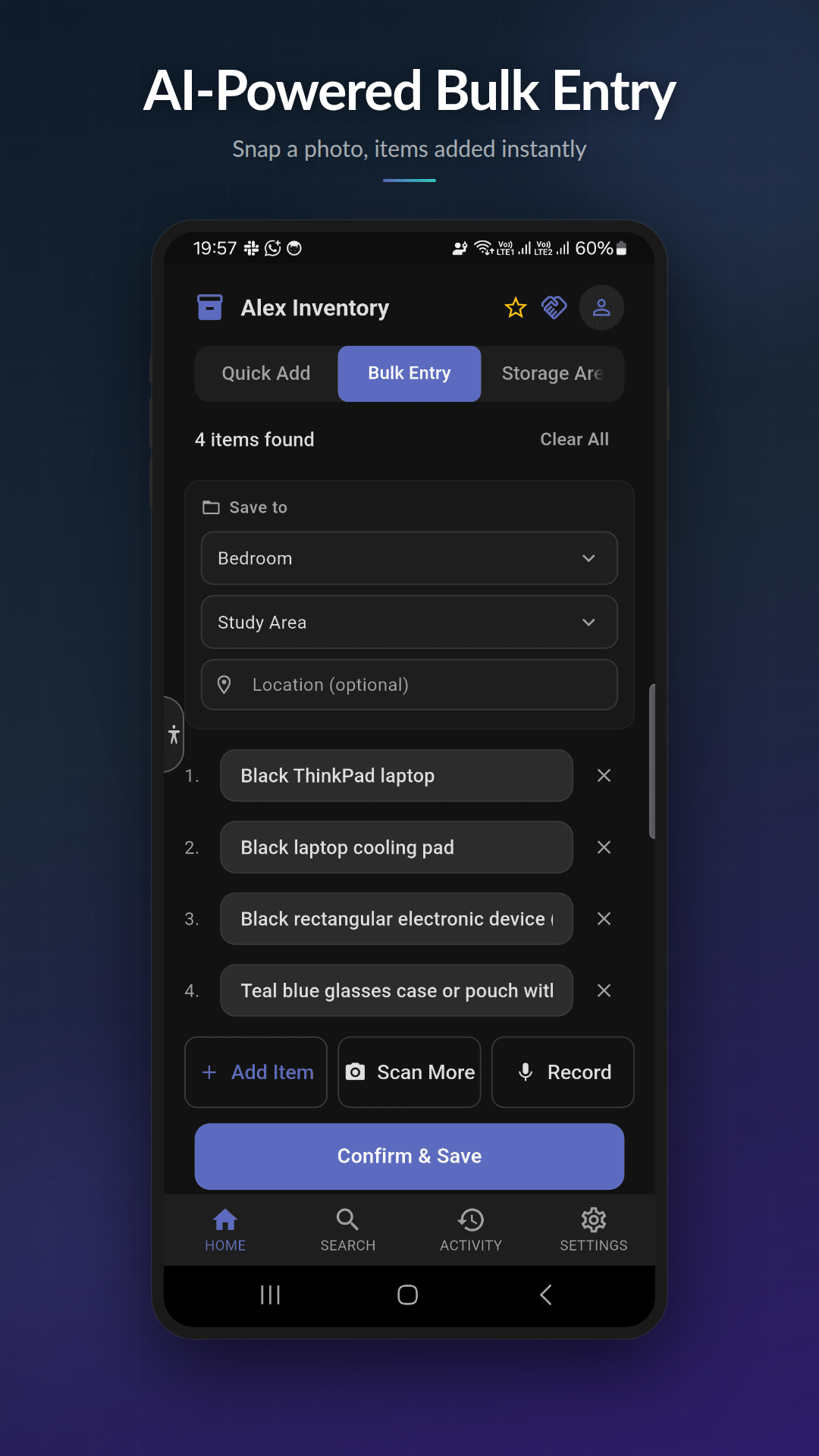
What you can do
- ✓ Speak continuously — ScanStock captures every item without pausing
- ✓ Automatic AI parsing turns natural speech into structured items
- ✓ Append more items mid-session — say more, the list grows
- ✓ Edit each parsed item before saving (rename, remove, split, merge)
- ✓ Works on Android 8.0+ with on-device speech recognition
How it works
- 1
Open the bulk entry tab
Tap the + button on the home screen and choose Voice.
- 2
Tap and speak
Say item names naturally: 'winter jacket, two pairs of boots, snow shovel.'
- 3
Review the parsed list
Edit names, remove duplicates, or add a category — then tap Save.
Tier availability
Available on all tiers (including free Basic)
| Tier | Monthly quota |
|---|---|
| Basic | 15 bulk entries |
| Pro | 50 bulk entries |
| Premium | 100 bulk entries |
Why voice entry matters
Typing one item at a time is the friction that kills inventory projects. Voice entry removes it. Stand in front of a box, talk through what’s inside, and ScanStock builds the list for you.
How the parsing works
Your spoken words are transcribed on-device. The transcribed text is then sent to a cloud AI parser that splits run-on speech into individual items, capitalises names, and removes filler words. If the cloud is unavailable, ScanStock falls back to local comma-and-pause splitting so you can still capture the list.
Audio recordings are never stored — only the transcribed text is processed. See our privacy policy for the full list of services involved.
Practical use
- Packing a box for a move: name everything as you drop it in
- Walking through a garage with your phone in your pocket
- Counting supplies in a stockroom where typing is slower than talking
Try voice entry free
Free to download. Works offline.